Practical sales page guide
What to put in a sales page FAQ
Answer the questions that affect the purchase decision, with a reusable question map.
By Business Tutorials ·
Begin with genuine uncertainty
A useful FAQ removes uncertainty about fit, scope, process and purchase. Start with questions people have actually asked where you have them. If the offer is new, label your initial questions internally as hypotheses and update them from enquiries. Do not invent customer conversations.
Map the four practical categories
Fit: who is this for and what do I need already? Scope: what is included and excluded? Process: how do I start and what do I do myself? Purchase: how is payment taken and how is access delivered? These categories help you find gaps without padding the page.
Answer “is personal feedback included?” directly
For a self-paced course, say whether students receive individual feedback, model responses or only exercises. “You will feel supported” is not an answer. A clear exclusion can protect the customer experience more effectively than an ambiguous promise.
Answer “can I use it for my offer?”
Give the supported use cases and limitations. For a general sales-page workshop, services and digital products may share a drafting process but need different delivery explanations. Do not claim to cover regulated or specialist sectors in depth unless the course actually does.
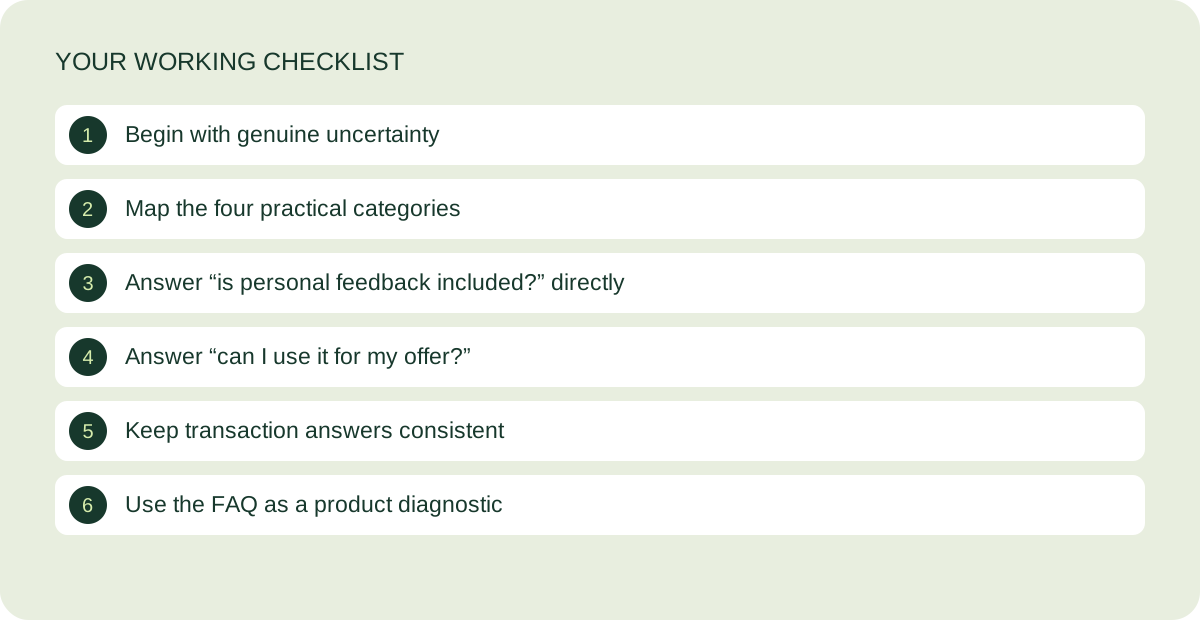
Keep transaction answers consistent
The FAQ must match the checkout and terms. Price, payment schedule, access duration and refund conditions should not contradict one another. If a condition is unresolved during construction, keep the page in testing rather than publishing a reassuring answer you have not implemented.
Use the FAQ as a product diagnostic
If the same question appears repeatedly, improve the main page or the offer itself. An FAQ should not carry every essential detail. Move price and scope near the buying decision, and leave the FAQ for the remaining uncertainty. Review it again after the first customer enquiries.
The guided video workshop is in preparation. Start with the free kit while the lessons and customer journey are being completed.
Keep working on your page
Call-to-action examples that explain what happens next
Write buttons around the actual next step, then check the destination.
Read the guide ↗
How to present your price on a sales page
Make the total, scope and payment arrangement easy to understand.
Read the guide ↗